Reimagined Bits


1Summary
Cat Tower ("the game") is a free rhythm game for Android phones and tablets, published by Reimagined Bits ("we", "us"). This policy explains what information the game uses, why, and the choices you have.
In short: the game has no accounts, no sign-in, no analytics and no servers of its own. Your progress, cats, items and settings stay on your device. The free version shows ads from Google AdMob, and Google collects some device information to deliver and measure those ads. When you first open the game it asks your age group, and keeps the answer on your device: players under 18 only get non-personalized, age-appropriate ads, and adults are asked for consent first where the law requires it.
2Information kept on your device
The game saves the following on your device:
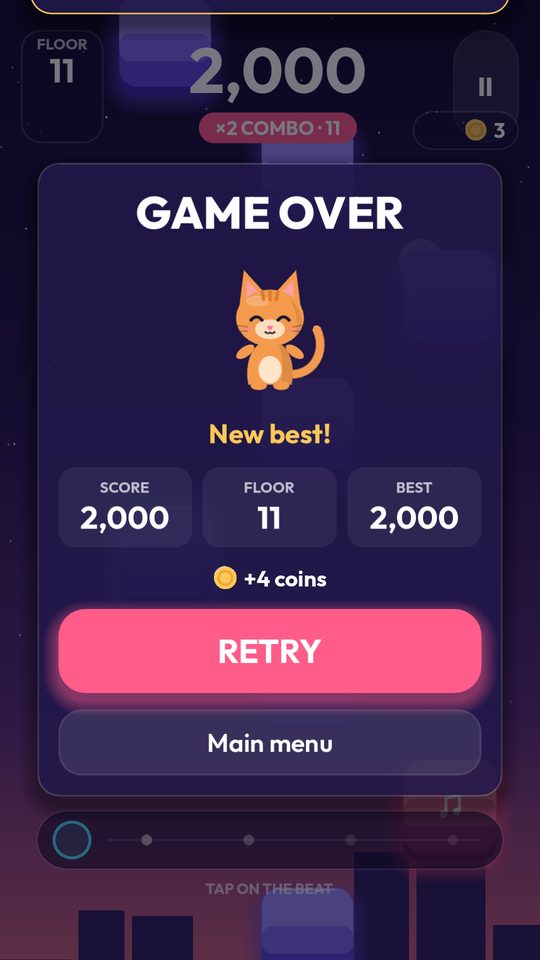
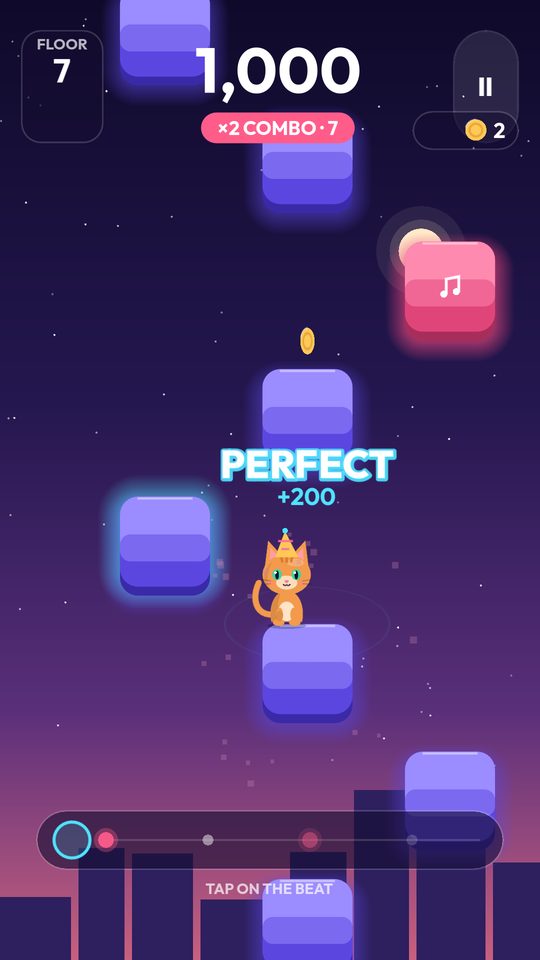
- Your progress: coins, fish, unlocked cats, worlds and items, Adventure stars, best scores, daily challenges, achievements and seasonal event rewards
- Ghost runs: a recording of your best climb on fixed towers, so you can race against it
- Your settings: music and sound volumes, vibration, effects quality and timing calibration
- Your age group (under 13, 13 to 17, or 18 or older), used only to choose how ads are shown
- A count of the optional video ads watched today, to keep to the daily limit
- Whether "Remove Ads" has been bought
This information never leaves your device and we never see it. Settings > Reset progress deletes your progress (settings and purchases stay), and uninstalling the game deletes everything.
3Ads
The game is free because it shows ads served by Google AdMob. To show and measure ads, prevent fraud and keep the ads system working, the Google Mobile Ads SDK built into the game may collect and send to Google:
- Device identifiers, such as the Android advertising ID
- IP address, which can give an approximate location
- Ad interactions, such as which ads were shown or tapped
- Diagnostic information, such as crash logs and performance data from the ads SDK
- Basic device information, such as device model, operating system version and language
Google's use of this data is described in How Google uses information from sites or apps that use its services and the Google Privacy Policy.
When and how ads appear
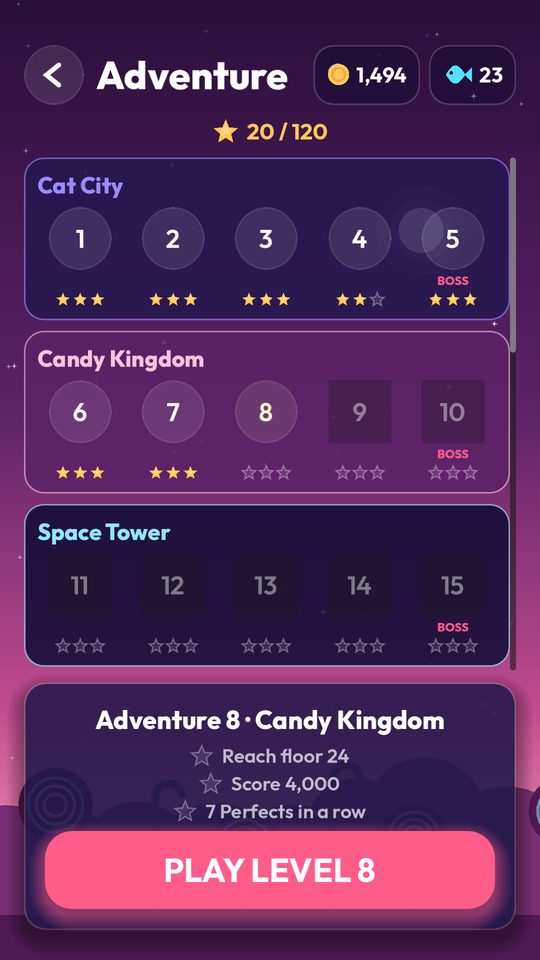
- Ads never appear while you are climbing.
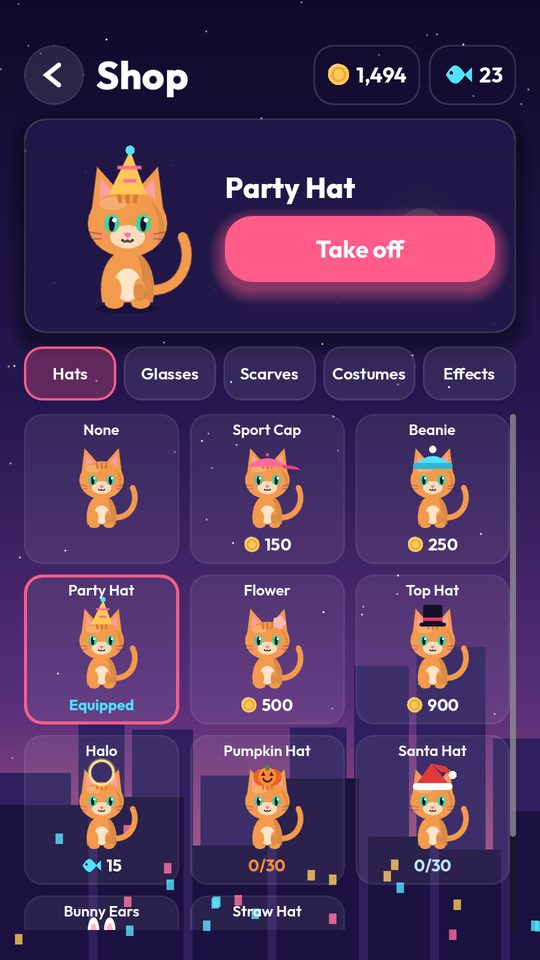
- A banner can appear on the menus, such as the main menu and the Shop.
- A full-screen ad can appear between runs, but never in your first three runs, and then at most once every three runs and every three minutes. It is skipped right after a new best score, an unlock or a new star.
- You can choose to watch a video ad to double the coins from a run, or to open the daily fish chest. This is always optional, and limited to five a day.
- The game shows no ads at all while your device is offline.
Ads by age group
Ads are only requested after you have answered the age question. How they are shown depends on the answer, as described in Age and children:
Your choices
- European Economic Area, United Kingdom and Switzerland (players 18 or older): before any ad is shown, the game asks for your consent through Google's consent form. Ads are only requested after the form allows it. You can change your choice at any time under Settings > Privacy options.
- Android: you can reset or delete your advertising ID, or opt out of personalized ads, in your device's Settings > Privacy > Ads (the exact menu depends on the device).
- You can also manage the ads Google shows you in Google My Ad Center.
Checking the connection
Every 30 seconds while the game is open, and when you return to it, the game sends an empty request to Google's connection check address (clients3.google.com/generate_204) to find out whether the device is online, so it only asks for ads when they can load. The request carries no information about you or your progress, but like any internet request it reveals your IP address to Google.
4"Remove Ads" purchase
"Remove Ads" is a one-time purchase made through Google Play. It turns off every ad: banners, full-screen ads and the optional video ads. Google Play processes the payment and tells the game that the purchase was made, so the game can turn ads off and restore the purchase on a new device with Settings > Restore purchases. If a purchase is refunded, ads come back on. We never receive your payment details. Purchases are governed by the Google Privacy Policy.
5Device permissions
The game asks for only two Android permissions, and neither shows a prompt:
- Internet: to load ads, check the connection and check purchases with Google Play. The game itself works offline.
- Vibrate: for short vibrations as game feedback. You can turn vibration off in Settings.
The game does not use your camera, microphone, contacts, photos or location.
6Summary of data collected
| Data | Collected by | Purpose | Shared with |
|---|---|---|---|
| Progress, items, ghost runs and settings | Your device only | Game functionality | No one |
| Age group | Your device only | Choosing how ads are shown | No one |
| Advertising ID and other device identifiers | Google Mobile Ads SDK | Advertising, ad measurement (not used for personalization for players under 18) | |
| Approximate location (from IP address) | Google Mobile Ads SDK | Advertising, fraud prevention | |
| Ad interactions | Google Mobile Ads SDK | Advertising, ad measurement | |
| Crash logs and diagnostics | Google Mobile Ads SDK | Ads SDK stability | |
| IP address (connection check) | Checking whether the device is online | ||
| Purchase history | Google Play | Unlocking and restoring "Remove Ads" | Not shared |
All data sent over the internet by the game is encrypted in transit. We do not sell your personal information.
7Age and children
When you first open the game, it asks which age group you are in: under 13, 13 to 17, or 18 or older. The game never asks for an exact age or date of birth. The answer is saved only on your device, is never sent to us or to Google, and is used only to choose how ads are shown:
- Under 13: ad requests are marked as directed to children, ads are never personalized and are limited to content suitable for all ages (rated G), and the advertising ID is not used for personalization.
- 13 to 17: ad requests are marked as coming from a user under the age of consent, and ads are never personalized and are limited to content rated T (teen) or lower.
- 18 or older: ads are shown as described in Ads, after the consent form where the law requires it.
You can change your age group later in Settings > Age group. Moving to an older group needs the button to be held for three seconds, so that a young child does not switch to adult ads by accident.
We do not knowingly collect personal information from children, and the game never asks for a name, email address or photo. If you believe a child's personal information has been collected through the game, contact us and we will work with you and Google to address it.
If the question has not been answered yet, the game treats the player as under 13.
8Legal basis (EEA, UK and Switzerland)
For players 18 or older, personalized ads, and any use of cookies or device identifiers that requires it, are based on your consent, which you can withdraw at any time under Settings > Privacy options. Players under 18 only get non-personalized ads. Non-personalized ads and fraud prevention are based on our legitimate interest in offering the game for free. Purchases are processed to perform the purchase contract.
9Retention and international transfers
We do not store any data on our own servers. Data on your device is kept until you uninstall the game or clear its data. Data collected by Google is kept and may be processed outside your country according to Google's policies and its safeguards for international transfers.
10Your rights and choices
Depending on where you live, you may have the right to access, correct, delete or object to the use of your personal data, and to complain to your local data protection authority. Because we hold no personal data ourselves, the quickest way to use these rights is through the controls described above and through Google My Ad Center. You can also contact us and we will help.
To delete everything the game stores on your device, uninstall the game or clear its data in your device's settings.
11Changes to this policy
If this policy changes, the new version will be posted at this address with a new "Last updated" date. Significant changes will also be mentioned in the game's update notes.
12Contact
Reimagined Bits
Email: reimaginedbits@gmail.com
Google Play: Reimagined Bits